Guide
Mastering SPF, DKIM, and DMARC for Cold Email Deliverability in 2026
Learn how to set up SPF, DKIM, and DMARC for cold email in 2026. Avoid spam folders with our practical, step-by-step authentication guide for deliverability.
· 4 min read
On this page
Without proper SPF, DKIM, and DMARC records, your cold emails land in spam by default in 2026. These protocols are now mandatory for inbox placement across major providers.
Why SPF, DKIM, and DMARC are Non-Negotiable for Cold Email in 2026
Major mailbox providers now reject or bury emails without these records. They verify your identity to protect users from spoofing and phishing.
In the past, you might have gotten away with skipping these. Now, Google and Yahoo enforce strict rules. If you don't have them, your reputation tanks immediately. We see clients lose campaigns because they ignored this setup. It is the baseline for trust. Without it, no amount of copywriting will save your deliverability.
How do I configure SPF without hitting the 10-lookup limit?
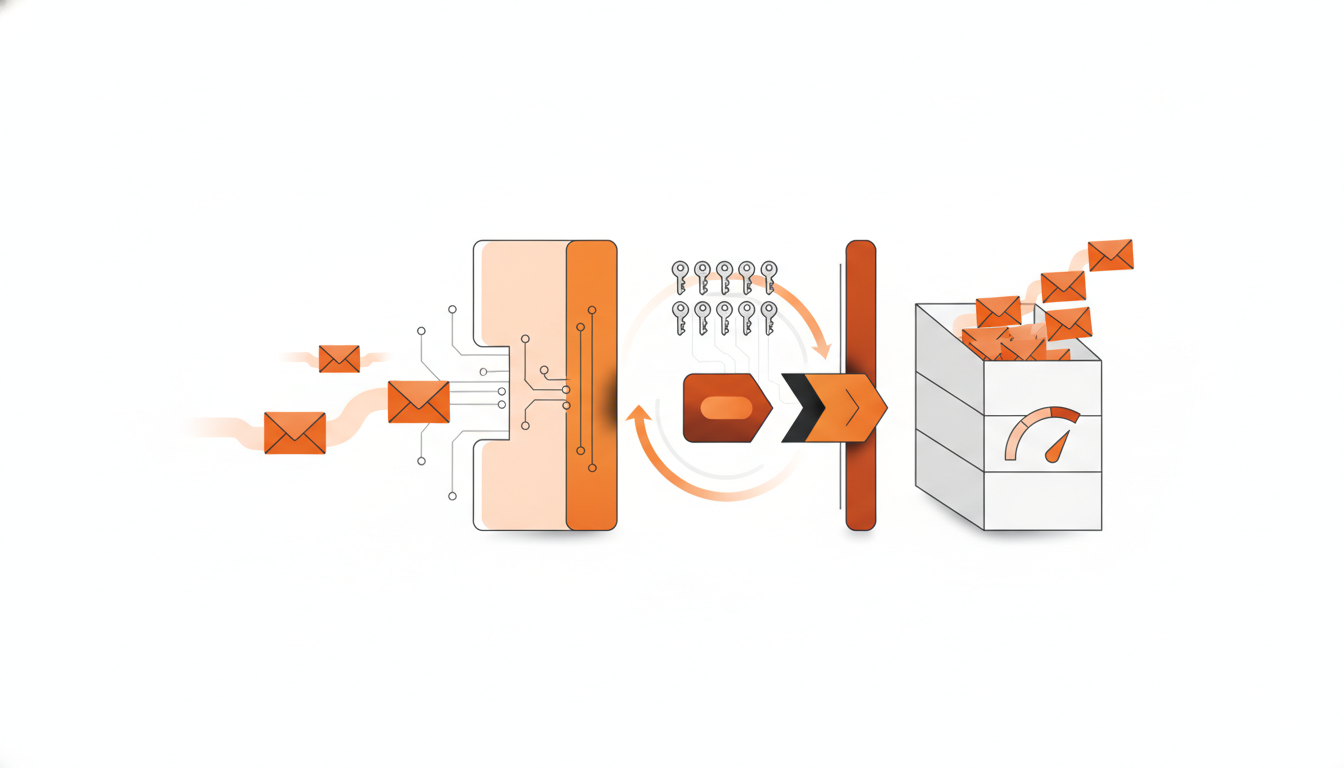
SPF records allow only 10 DNS lookups. Exceeding this causes a permanent fail. You must flatten includes and remove unused services.
I've seen teams add five email tools without checking the limit. When they hit 11, delivery stops. Use a flattening tool or consolidate vendors. Every include counts. If you use a CRM, an ESP, and a tracker, that is three lookups already. Keep it tight. For specific record examples, check this guide on SPF DKIM DMARC setup cold email.
How do I generate and implement DKIM signatures?
DKIM adds a cryptographic signature to every message. Your DNS holds the public key. Receivers use it to verify the content hasn't changed.
This proves you sent the email and no one tampered with it. Generate the key in your sending platform. Add the TXT record to DNS. Rotate keys regularly. If you change platforms, update the record immediately or signatures break. Read about SPF, DKIM, and DMARC Setup Guide for implementation details.
How do I roll out DMARC from p=none to p=reject safely?
Start with p=none to monitor traffic. Check reports for 30 days. Then move to p=quarantine. Finally, set p=reject to block unauthenticated mail.
Jumping straight to reject can lock you out if you miss a service. Monitor the XML reports. Look for failures from your own domains. Fix alignment issues first. This progression protects you while hardening security.
| Policy | Action | Best For |
|---|---|---|
p=none | Monitor only | Initial setup |
p=quarantine | Move to spam | Testing phase |
p=reject | Block outright | Full enforcement |
Why does alignment matter for SPF, DKIM, and DMARC?
Alignment means the "From" domain matches the authenticated domain. If they differ, DMARC fails even if SPF or DKIM pass individually.
This is where most people get confused. Your envelope sender can differ, but the header must align. Ensure your sending tool uses your domain, not a generic one. Misalignment is a silent killer of deliverability.
What tools verify authentication in 2026?
Use dedicated testing tools to check your DNS records. They show you exactly what receivers see. Fix errors before launching campaigns.
Don't guess. Run a test send to Gmail and Outlook. Use online validators. They parse the headers for you. If your report shows fail, stop and fix. It saves weeks of lost time.
What mistakes kill cold email deliverability?
Using a purchased domain without warmup is fatal. Ignoring DMARC reports is also common. Don't buy a domain and start sending day one.
Reputation takes time. Warmup tools help. Also, suppress bad emails. If you bounce too much, you are blocked. Follow best practices for list hygiene.
If you need infrastructure that handles this automatically, explore CogniLead for tools designed to protect your reputation.
FAQ
Are SPF DKIM DMARC mandatory for cold email in 2026?
Yes, major providers now require these records to accept messages. Sending without them leads to immediate blocking or spam placement.
What happens if I exceed the 10 DNS lookups in SPF?
Your SPF check fails permanently. This causes all your emails to be rejected until you remove unused services or flatten your records.
How long should I wait before setting DMARC to p=reject?
Wait at least 30 days. Monitor your reports to ensure no legitimate mail is failing before you enable the strict reject policy.
Does a DMARC failure stop all my email?
Not immediately if set to p=none. However, if set to p=reject, any message failing alignment will be blocked by the receiver.
Can I use a subdomain for cold email?
Yes, but you must set up authentication for that specific subdomain. Alignment checks apply to the domain in the From address.
Want CogniLead running deliverability on every send? Try it free or read the docs.