Guide
Mastering Email Authentication: Beyond SPF, DKIM, and DMARC in 2026
Mastering email authentication in 2026: SPF, DKIM, DMARC, MTA-STS, and BIMI explained for cold email teams that want inbox placement and brand trust.
· Updated · 9 min read
On this page
In November 2026, SPF, DKIM, and DMARC are the price of admission, not a strategy. Gmail and Yahoo require all three for bulk senders, and without MTA-STS and BIMI you leave encryption and brand trust on the table. This guide covers the full authentication stack and the order in which to set it up.
Why Basic SPF, DKIM, and DMARC Are No Longer Enough in 2026
SPF, DKIM, and DMARC prove who sent an email, but they do not encrypt the connection between servers or display your brand in the inbox. In 2026, mailbox providers treat them as baseline requirements. Attackers can still intercept unencrypted transit, and recipients have no visual signal that a message is genuinely yours. That is why MTA-STS and BIMI matter now.
Here is what each original protocol actually does. SPF lists the IP addresses and services allowed to send mail from your domain. DKIM adds a cryptographic signature so receiving servers can verify the message was not altered in transit. DMARC tells receivers how to handle messages that fail SPF or DKIM and where to send reports. Together they stop direct spoofing of your domain, which is the core of email spoofing prevention in 2026. You can read a plain-language breakdown of these protocols here.
What they do not do is encrypt the SMTP conversation between servers or show your logo to a recipient who has never heard of you. If you stop at DMARC, you have locked the front door but left the side window open.
What Is MTA-STS and How Does It Protect Your Cold Emails?

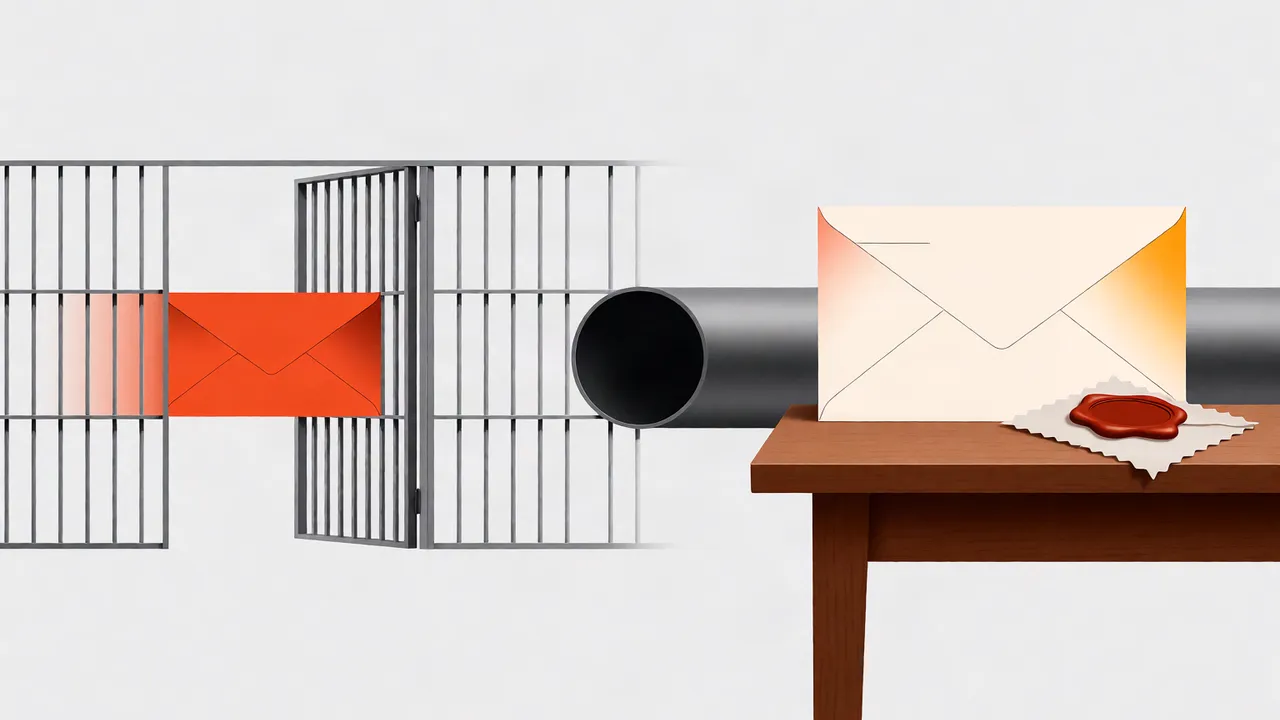
MTA-STS is a DNS policy that forces sending mail servers to use TLS encryption when delivering to your domain. If a server cannot establish a secure connection, the message is not delivered in the clear. For cold email, this protects your message content and sender reputation from interception and downgrade attacks.
You publish an MTA-STS policy as a DNS TXT record and host a policy file at /.well-known/mta-sts.txt on your domain. The policy can be set to testing, where failures are only reported, or enforce, where unencrypted delivery is blocked. I always start in testing mode and pair MTA-STS with TLS-RPT so I get failure reports before flipping to enforce.
This matters for cold email because your messages often travel across networks you do not control. Without MTA-STS, a man-in-the-middle can force a plaintext connection and read or modify the message. It is not a Gmail or Yahoo requirement, but it is becoming expected infrastructure for serious senders. For more on how authentication methods fit together, see this overview of email authentication methods.
BIMI for Cold Email: Displaying Your Brand Logo and Boosting Trust
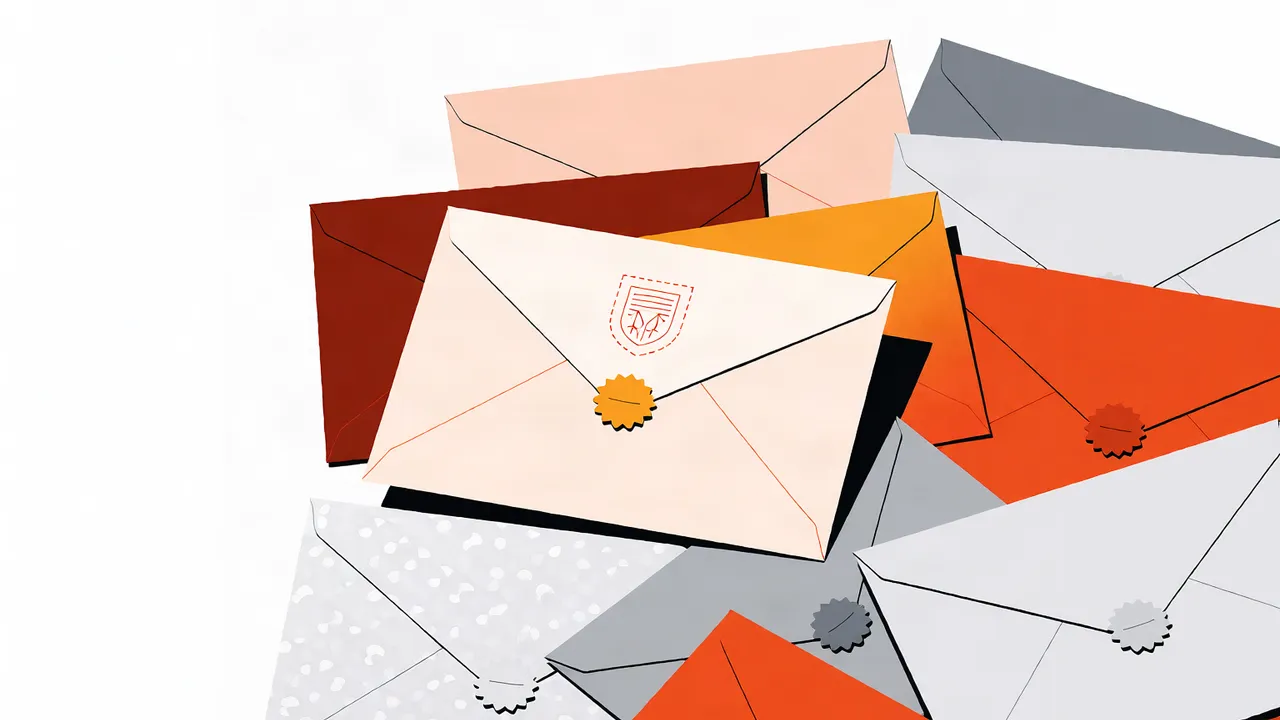
BIMI lets you publish a verified logo that appears next to your messages in supporting inboxes. It builds instant recognition for cold outreach recipients who do not know your domain yet. The catch: BIMI only works when DMARC is set to quarantine or reject, and most providers require a Verified Mark Certificate (VMC) for your logo.
For cold email, a logo can be the difference between a deleted message and a reply. A recipient scanning a crowded inbox is more likely to trust a message that carries a familiar brand mark. However, BIMI is not a substitute for authentication. If your DMARC policy is p=none, BIMI will not display. I treat BIMI as the final layer, turned on only after SPF, DKIM, DMARC, and MTA-STS are stable.
Setup requires three things: a DMARC enforcement policy, an SVG logo that meets BIMI specifications, and a VMC issued by a certificate authority. Not every mailbox provider displays BIMI yet, but Gmail and several others do, so the investment pays off as adoption grows.
The Critical Role of DMARC Reporting for Deliverability
DMARC reporting is your early-warning system. Aggregate reports (RUA) show every IP sending mail using your domain and whether SPF and DKIM passed. Forensic reports (RUF) show message headers for individual failures. Without reviewing them, you are flying blind while spoofers damage your reputation.
I configure a dedicated mailbox for RUA reports and review them weekly during the first 60 days of a new sending domain. The reports reveal shadow IT, forgotten marketing platforms, and cold email vendors that are not properly aligned. If you see an unknown sender passing SPF but failing DKIM, you have found a misconfiguration or a spoofing attempt.
The progression matters. Start with p=none so you collect data without blocking mail. Once every legitimate source is aligned and no unknown senders appear, move to p=quarantine, then p=reject. Jumping straight to reject is the fastest way to break your own email.
Advanced Authentication: Aligning All Your Sending Sources
Authentication fails when the domain in your SPF and DKIM records does not match the From address your recipients see. This misalignment happens when you send through a CRM, an ESP, and cold email infrastructure without aligning the return path and signing domain. Every source must authenticate under the same organizational domain or a dedicated subdomain.
I recommend sending cold email from a subdomain of your main domain, not the root domain. That way, if cold outreach generates complaints, your primary business domain keeps its reputation. Each subdomain needs its own SPF, DKIM, and DMARC records, and the From address must match the DKIM signing domain. If you are managing multiple sending domains, this strategy for scaling cold email across domains explains how to isolate reputation by domain.
Alignment also means your ESP or cold email platform must support custom DKIM signing. If it only signs with its own domain, your DMARC alignment will fail and your messages will look suspicious to Gmail and Yahoo.
A Step-by-Step Checklist for Comprehensive Email Authentication
Here is the order I follow when standing up authentication for a new cold email domain. Skipping steps or changing the order usually means weeks of troubleshooting later.
| Protocol | What it verifies | What it does not do | Required by Gmail/Yahoo 2026 |
|---|---|---|---|
| SPF | Envelope sender IP | Content or header From | Yes |
| DKIM | Message integrity and signing domain | Encryption in transit | Yes |
| DMARC | Alignment and policy for failures | Brand display or encryption | Yes |
| MTA-STS | TLS encryption between servers | Sender identity | No, but expected |
| BIMI | Brand logo display | Authentication itself | No |
The checklist
- Publish an SPF TXT record that includes every sending service and IP you use.
- Enable DKIM signing on every sending source so messages carry a valid signature.
- Set DMARC to
p=nonewith an RUA address you actually monitor. - Review DMARC aggregate reports for 30 days to find unknown or misaligned senders.
- Move DMARC to
p=quarantine, then top=rejectonce the reports are clean. - Publish an MTA-STS policy and enable TLS reporting.
- Add BIMI with your SVG logo and VMC after DMARC is enforced.
- Test inbox placement before you scale volume.
This is the sequence I use because it surfaces problems while they are cheap to fix. Moving to p=reject before step 4 is a common way to block your own legitimate mail.
Troubleshooting Common Email Authentication Failures
The failures I see most often are SPF lookup limits, DKIM key mismatches, DMARC alignment breaks from third-party senders, and MTA-STS policies that are never fetched. Each has a specific fix.
SPF has a hard limit of 10 DNS lookups. If you include too many services, receiving servers treat the check as failed. Fix it by removing unused includes or moving cold email to a dedicated subdomain with its own SPF record. DKIM failures usually mean the public key in DNS does not match the private key the sender is using, often after a key rotation that was not mirrored in DNS.
DMARC alignment breaks when the From domain differs from the DKIM signing domain or the SPF return path. This is common with marketing platforms that send on your behalf. MTA-STS failures usually mean the policy file is not reachable over HTTPS or the TXT record is malformed. I verify the policy file with a browser and check TLS-RPT reports before declaring MTA-STS healthy.
How Do Gmail and Yahoo Authentication Requirements Affect Cold Outreach?
Gmail and Yahoo require valid SPF and DKIM, DMARC alignment, and spam rates below their thresholds for bulk senders. Cold outreach is treated as bulk mail once volume scales, so these rules apply to you even if you are not a newsletter sender.
If you fail, messages are deferred or routed to spam. I have seen cold email campaigns collapse because the sending domain had no DMARC record at all. The fix is not to send more mail; it is to authenticate every source and warm up volume gradually. For a deeper look at what these providers expect, see this guide to Google and Yahoo sender requirements for cold outreach.
Beyond Authentication: How It Impacts Your Overall Deliverability
Authentication gets your mail accepted; it does not guarantee placement. Reputation, warmup, sending volume, content quality, and engagement determine whether you land in the primary tab or spam. I treat authentication as the foundation and everything else as the structure built on top.
If your authentication is clean but your open rates are flat, the problem is usually reputation or content, not DNS. Use inbox placement testing to see where mail actually lands, keep sending limits conservative, and test subject lines before scaling. These topics are covered in more detail in this cold email deliverability checklist and this guide to daily sending limits.
If you are setting up cold email infrastructure and want authentication handled correctly from the start, see how CogniLead approaches sender infrastructure.
FAQ
What is the difference between SPF, DKIM, and DMARC?
SPF lists which mail servers are allowed to send for your domain. DKIM adds a digital signature so receivers know the message was not altered. DMARC tells receivers what to do when SPF or DKIM fails and where to send reports.
Do I need MTA-STS for cold email?
MTA-STS is not a Gmail or Yahoo requirement, but it prevents downgrade attacks and protects messages in transit. If you are sending cold email at scale, it is worth configuring after SPF, DKIM, and DMARC are working.
Can I use BIMI without DMARC?
No. BIMI requires DMARC enforcement at quarantine or reject, and most mailbox providers also require a Verified Mark Certificate for your logo.
How long does it take to move DMARC from none to reject?
I usually keep DMARC at p=none for at least 30 days while reviewing aggregate reports. Once every legitimate source is aligned and no unknown senders appear, I move to quarantine, then reject.
What happens if my SPF record exceeds 10 DNS lookups?
SPF has a hard limit of 10 DNS lookups. If you exceed it, receiving servers treat the SPF check as failed. Fix it by removing unused includes or moving cold email to a dedicated subdomain with its own SPF record.
Want CogniLead running deliverability on every send? Try it free or read the docs.