Guide
The Cold Email Personalization Playbook: Moving Beyond First Names in 2026
Cold email personalization at scale in 2026: move beyond first names with trigger-based data, AI-assisted openers, and a workflow that protects deliverability.
· Updated · 7 min read
On this page
The short answer: personalization earns replies when it proves you know the prospect's current situation, not just their name. In 2026, a first-name merge tag is table stakes; the response comes from referencing a specific trigger—such as a recent post, funding round, or hiring push—and tying it to a problem you can solve. Without that context, even perfect deliverability won't save a generic email.
Why "First Name" Isn't Enough Anymore: The Evolution of Personalization
In 2026, prospects decide whether to reply within the first two lines. A first-name merge tag proves you have their contact record; it does not prove you understand their work. Real personalization shows you know what changed recently in their world and why that makes your message timely. Without that context, the email feels like bulk mail, and bulk mail gets ignored or reported to spam.
The shift matters for deliverability as well as response. Mailbox providers track how recipients treat your mail. If enough people delete or mark your messages without reading, future emails go to spam even if your authentication is clean. That is why personalization and deliverability belong in the same conversation. If you are still setting up sending infrastructure, start with the cold email deliverability checklist before you layer personalization on top.
How do I personalize cold emails beyond merge tags?
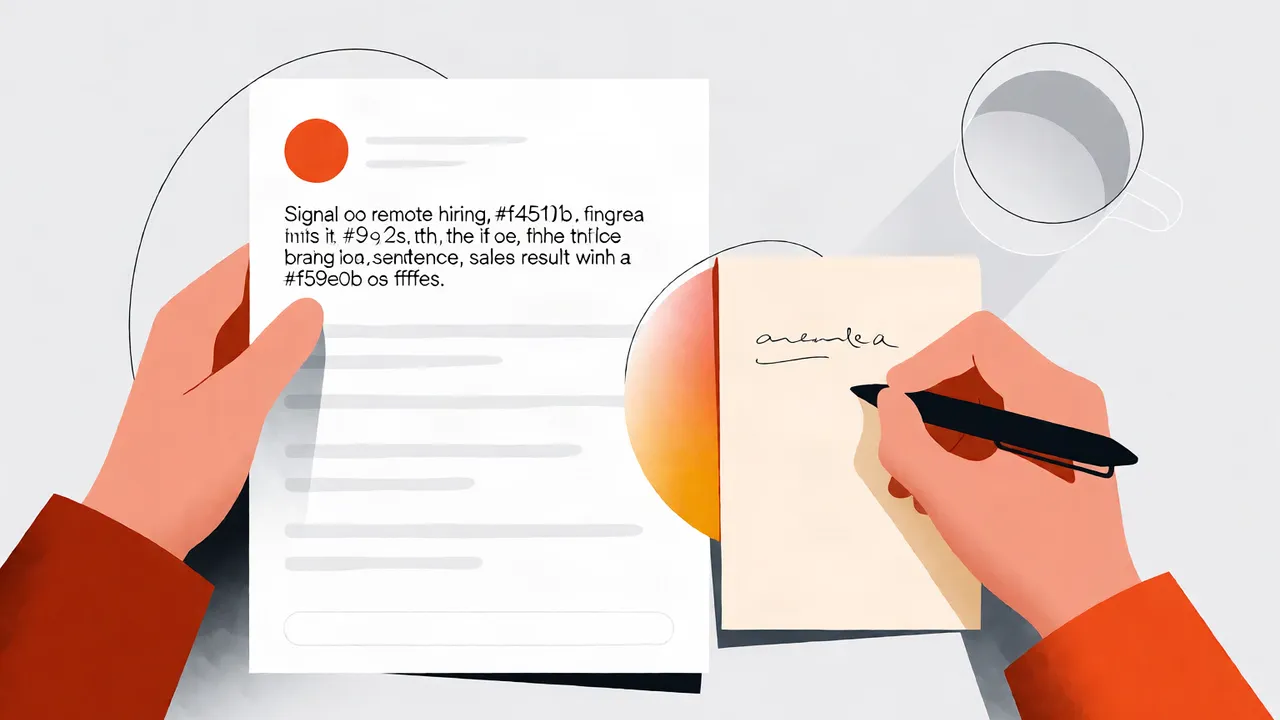
You personalize beyond merge tags by pulling one public signal about the prospect or their company and using it in the first sentence. That signal could be a LinkedIn comment, a press release, a new job posting, or a technology they recently adopted. The second sentence connects that signal to a specific outcome you help customers achieve. Everything after that is the offer and call to action.
Here are the data points I prioritize, ranked by how easy they are to find and how hard they are to ignore:
| Data point | Where to find it | Example use in an opener |
|---|---|---|
| Recent social post | LinkedIn, X | "I saw your post about remote hiring..." |
| Funding or hiring news | Press releases, job boards | "Your Series A announcement mentioned expanding the sales team..." |
| Tech stack change | Job listings, public case studies | "I noticed you're hiring for a Salesforce admin..." |
| Mutual connection | LinkedIn network | "Sarah Chen suggested I reach out..." |
The opener works because it references something the prospect actually did or cares about, not something you guessed.
What are the best cold email personalization techniques?
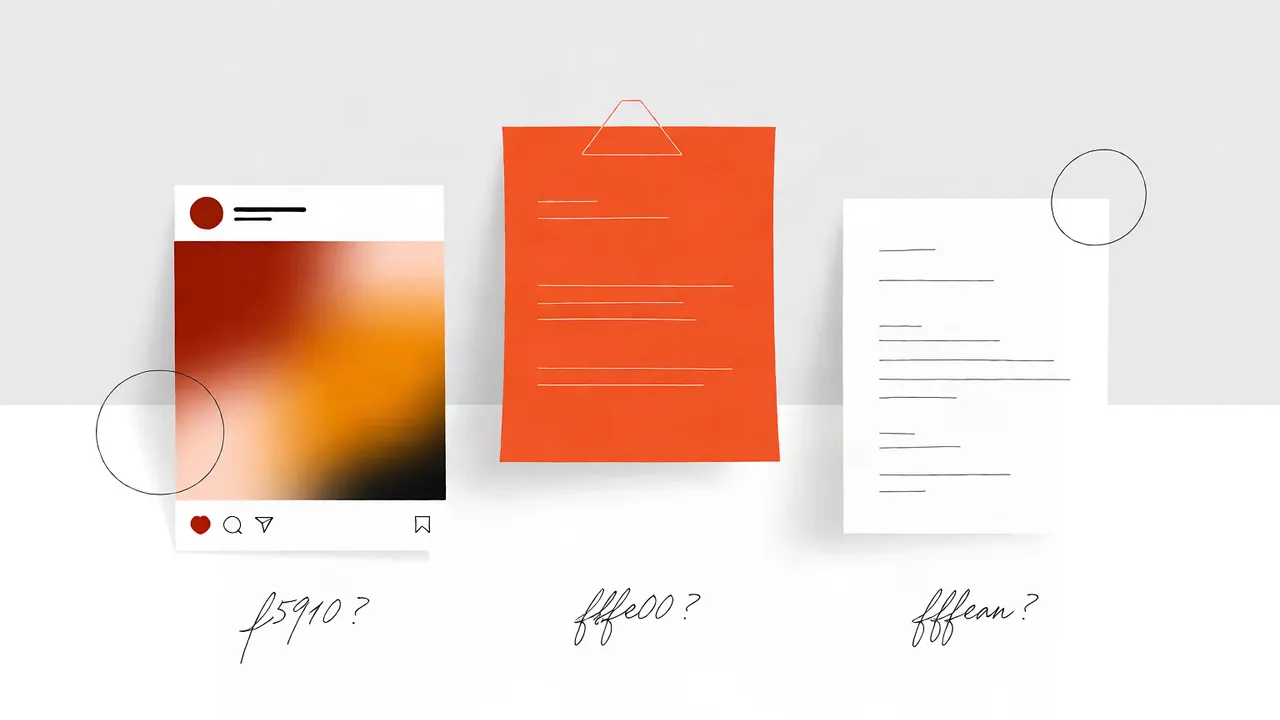
The best techniques start with a trigger and end with a low-friction request. Commenting on a prospect's recent post, referencing a competitor's recent move, or noting a hiring surge in their department all give you a reason to write now. The technique only works if the rest of the email stays short and relevant to that trigger.
Three techniques I use regularly:
- The observation opener: Reference something public the prospect wrote or shared, then ask a question about it.
- The competitor angle: Mention what a similar company is doing and ask if they are seeing the same challenge.
- The hiring signal: Point to a job posting and connect it to the problem your product solves for that new hire.
Avoid the trap of personalizing the first line and then sending a generic pitch. The personalization has to carry through to the value proposition, or it feels like a bait-and-switch.
What is advanced cold email personalization?
Advanced personalization means stacking multiple signals—firmographic, technographic, and behavioral—into a message that still reads like one person wrote it for one person. It requires clean data, an enrichment step, and a human sanity check before the email goes out. Volume without this layer is just spam with better grammar.
I think of it in three layers:
- Company level: Industry, size, recent news.
- Role level: The prospect's title, team, and likely priorities.
- Signal level: What they posted, what changed, or who they are connected to.
When all three align, the email feels inevitable rather than random. For more on how AI fits into this layer, see our piece on AI in cold email tools and tactics.
How do I use AI for cold email personalization?
I use AI to draft opener variations from enriched prospect data, then I or a team member edits every one before it sends. AI is good at turning a bullet point about a prospect's recent post into a conversational first line. It is bad at knowing whether that detail actually matters to the buyer, which is why human review is non-negotiable.
My rule: AI writes the draft, a human decides if it is true and relevant. If the AI hallucinates a detail—saying a company launched a product when it only hired for one—the damage is immediate and hard to undo. For a look at how others are approaching this, Mailforge's write-up on AI personalization results covers the landscape, and Instantly's guide breaks down the workflow side.
How do I scale cold email personalization?
You scale personalization by grouping prospects into tight cohorts and enriching each cohort with one or two shared signals, then using conditional snippets to insert the right detail. You do not write a unique email for every record. The goal is personal enough to earn a reply, not unique enough to win a writing award.
Here is how I segment a list before sending:
| Cohort | Shared signal | Personalization hook |
|---|---|---|
| Series B SaaS companies | Recent hiring in RevOps | "I saw you're hiring RevOps managers..." |
| Marketing agencies | New service page launched | "Your new SEO page caught my eye..." |
| E-commerce brands | Platform migration in job ads | "You're hiring Shopify developers..." |
Each cohort gets one base template with one variable slot. That keeps the send volume high while the message stays relevant. Pair this with good subject lines because the opener never gets read if the subject line fails.
What is trigger-based personalization in cold email?
Trigger-based personalization ties your outreach to an event that just happened: a funding announcement, a new product launch, a leadership change, or a technology adoption. The trigger gives you a timely reason to write this week instead of six months from now. It turns a cold email into a relevant observation.
Common triggers I track:
| Trigger | Signal source | Message angle |
|---|---|---|
| Funding round | Press release, Crunchbase | Scaling challenges, new budget |
| New hire | LinkedIn, job boards | Onboarding, stack replacement |
| Product launch | Company blog, social | Complementary tool or integration |
| Office expansion | Local news, LinkedIn | Change management, local support |
The danger is using a trigger that is six months old. If the news is stale, the prospect knows you are not paying attention.
Does personalization improve cold email reply rates?
Personalization improves reply rates when it is relevant to a business problem, not when it is merely flattering. A personalized opener that never connects to why you're writing gets polite brush-offs. A personalized opener that shows you understand a current challenge gets conversations. I track reply rate by cohort to see which signals actually move the needle.
If you are measuring this, look past open rates. Opens are noisy; replies and booked meetings are the signal. For a deeper look at what to track, see cold email metrics that matter.
Common personalization pitfalls to avoid in 2026
The pitfalls I see most often are over-personalizing until it feels creepy, using stale data that makes you look careless, and personalizing the opener while forgetting to include a clear offer. Any of these will kill reply rates faster than no personalization at all.
Specific mistakes to avoid:
- Mentioning something from three years ago as if it just happened.
- Referencing a personal detail (family, vacation photos) instead of a professional signal.
- Writing a three-paragraph opener and burying the ask.
- Sending the same "personalized" email to every person in the same company.
If you find yourself spending more than a few minutes researching a single prospect, you are no longer scaling; you are hand-crafting. That has its place, but not in a high-volume outbound program.
If you want help sending personalized cold email without landing in spam, we handle the infrastructure and warmup so you can focus on the message. Learn more about CogniLead.
FAQ
How do I personalize cold emails at scale without spending hours on each prospect?
Group prospects into cohorts with one shared signal, write one strong template per cohort, and use conditional snippets to insert the variable detail. This keeps research time low while the message still feels specific.
What is the difference between personalization and customization in cold email?
Personalization uses data about the recipient to make the message relevant; customization is the act of tailoring the offer or wording to fit that context. You can personalize at scale, but true customization usually requires one-off writing.
Can AI write personalized cold emails on its own?
Not safely. AI can draft openers from data you provide, but a human must verify the facts and approve the tone before sending. Unsupervised AI risks hallucinated details that damage credibility.
How do I measure if personalization is working?
Track reply rate and booked meetings by cohort, not just open rate. If a personalized cohort consistently outperforms a non-personalized control group, the signal is working.
Do I need personalization if my deliverability is already good?
Yes. Deliverability gets you into the inbox; personalization gets you the reply. Good deliverability with a generic message still means low response.
Want CogniLead running deliverability on every send? Try it free or read the docs.