Guide
Scaling Cold Email with Multiple Domains: The 2026 Strategy for Deliverability
Scaling cold email with multiple domains in 2026: protect your primary domain, rotate secondary senders, and keep landing in the inbox.
· Updated · 8 min read
On this page
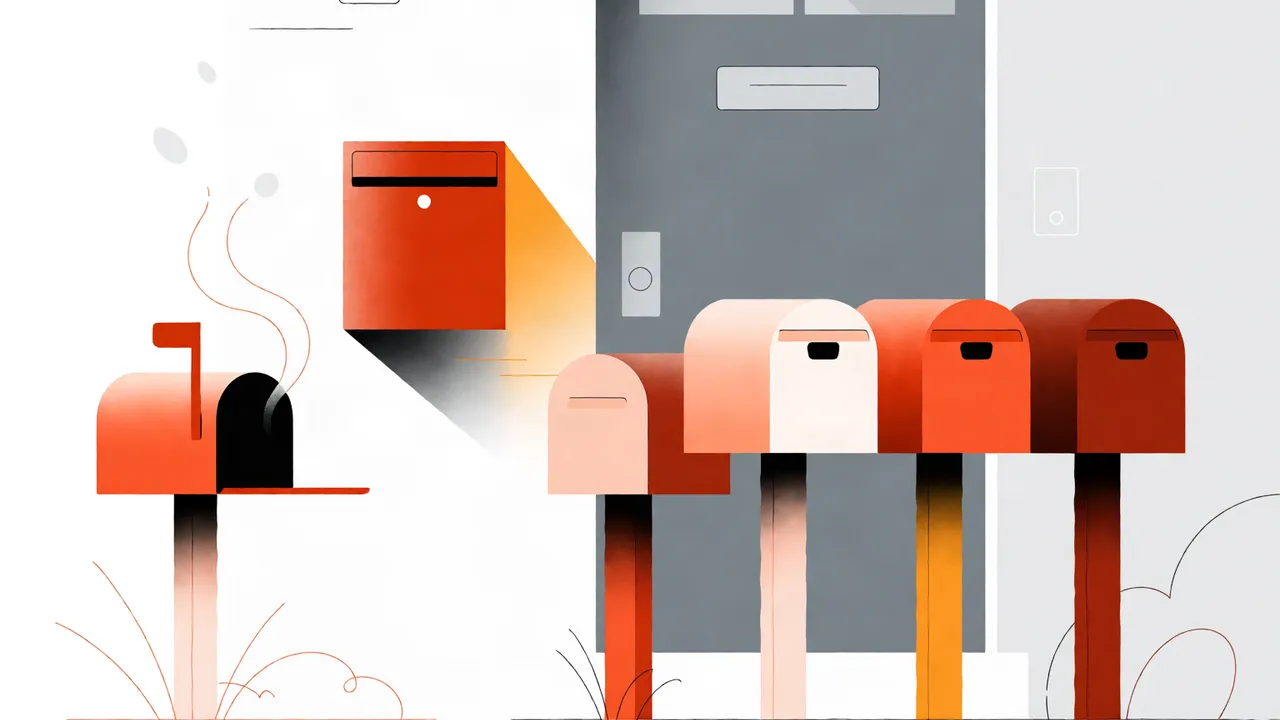
You should run cold email from secondary domains, not your primary domain, and rotate across at least three to five of them. When one domain hits a spam trap or a bad list, only that secondary domain burns—your company’s main domain, employee inboxes, and customer email stay safe. In 2026, inbox providers weigh domain reputation more heavily than ever, so isolation is cheaper than repair.
Why You Need Multiple Domains for Cold Email in 2026 (and What Changed)
Cold email is high-risk by nature. A single spam complaint spike or a list full of dead addresses can tank a domain’s reputation. If that domain is your primary one, your internal emails, password resets, and customer outreach land in spam too. Multiple domains let you isolate that risk. I learned this the hard way when one bad list took down our main domain for three weeks, and we could not send invoices or reset passwords for days.
What changed in 2026 is that inbox providers now evaluate domain reputation faster and more granularly. Gmail and Yahoo’s sender requirements mean a poor domain reputation follows you across mailboxes on that domain. A secondary domain acts as a sacrificial layer. You can retire it and buy a new one; you cannot retire your company’s primary domain.
This is the same logic behind Email Bison’s multi-domain strategy for cold email: isolate the risky channel from the business-critical one. New domains need warmup and a reputation runway before they carry cold volume. For more on that foundation, see our guide to domain age and sender reputation.
How Many Secondary Domains Do You Actually Need?
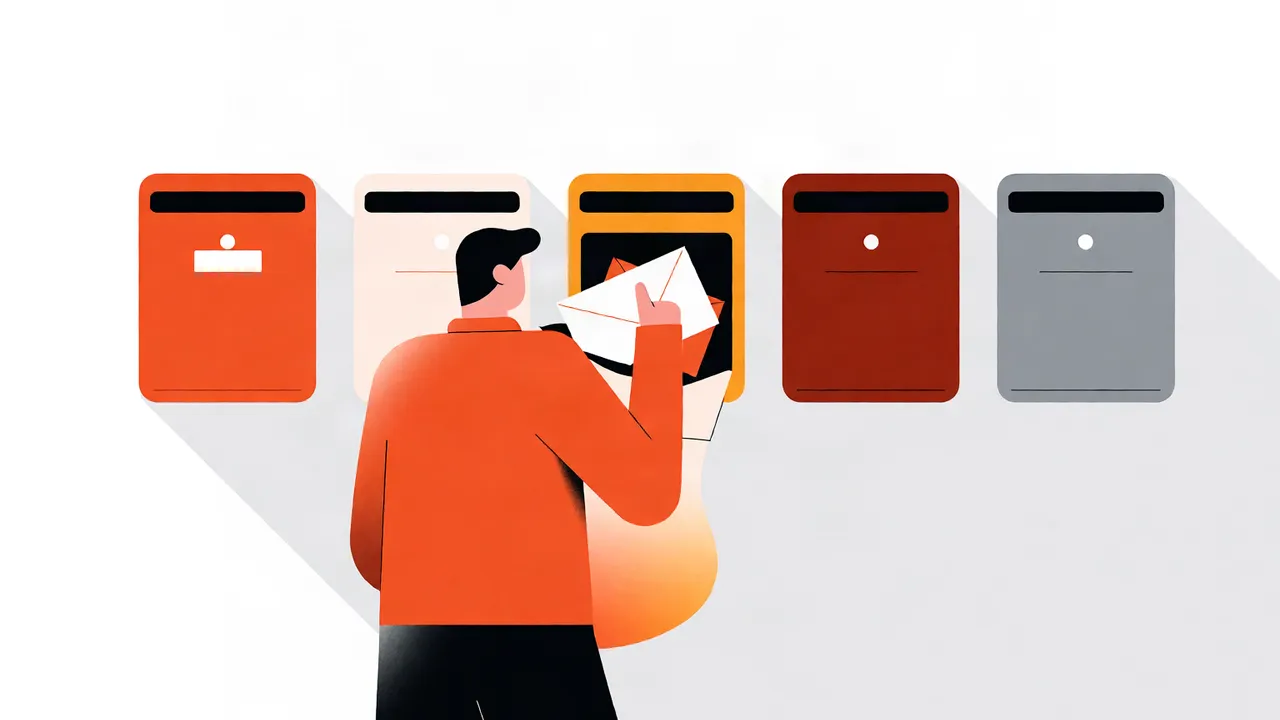
I start with three to five secondary domains. Fewer than three gives you no real rotation buffer if one gets flagged. More than five becomes a portfolio you cannot monitor closely without someone dedicated to it, and neglected domains go stale.
The math is simple. Divide your weekly volume by a safe per-mailbox daily cap, then add headroom. If you send 2,500 cold emails a week and cap each mailbox at 50 per day, one mailbox handles 350 per week. You need roughly seven to eight mailboxes across your domains. With two mailboxes per domain, that is four domains.
| Weekly volume | Secondary domains | Mailboxes per domain | Daily cap per mailbox |
|---|---|---|---|
| Under 2,500 | 3 | 1–2 | 30–50 |
| 2,500–7,500 | 5 | 2 | 50 |
| Over 7,500 | 5+ | 2+ | 50, add domains as you scale |
These are conservative starting points, not hard limits. Your actual cap depends on list quality, copy, and how warmed the mailbox is. For hard numbers on daily volume, see our breakdown of how many emails per day to land in the inbox.
Setting Up Your Secondary Domains for Optimal Deliverability (SPF, DKIM, DMARC)
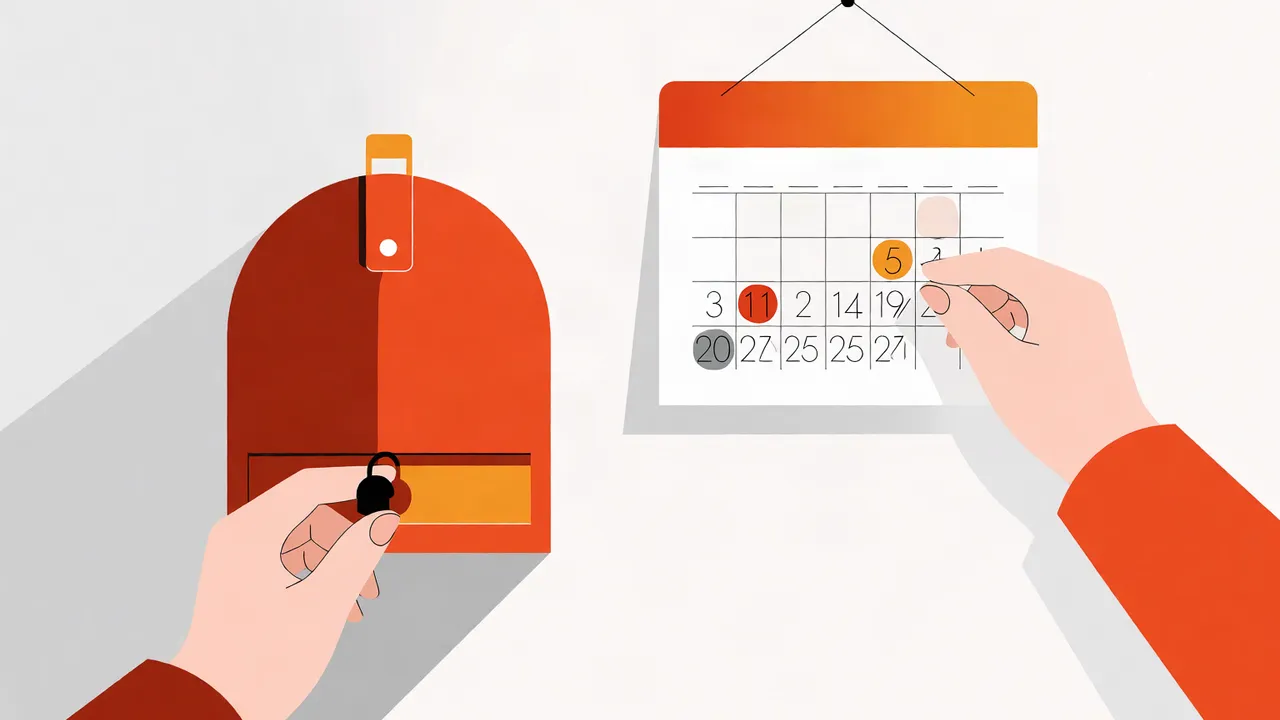
Buy the domain, configure MX, SPF, DKIM, and DMARC, then wait at least two weeks before sending cold email. A brand-new domain with no history and immediate cold outreach looks like a throwaway spammer domain to filters. Authentication tells inbox providers who you are; time tells them you are not disposable.
Here is the setup order I follow:
- Register the domain. Use a variation of your brand, not a random string.
- Set up MX records so the domain can receive mail. Replies need somewhere to go.
- Publish SPF. Authorize your sending platform so receiving servers know the mail is legitimate.
- Add DKIM. Sign messages cryptographically so they cannot be tampered with in transit.
- Publish DMARC. Start with
p=quarantineand a reporting address, then move towardp=rejectas you gain confidence. - Warm up. Send low-volume, human-sounding emails for two weeks before any cold outreach.
Authentication without warmup is still suspicious. MailReach’s deliverability guide covers why warmup and reputation matter together. If you are verifying your own setup, Google Postmaster Tools and Microsoft SNDS are free and worth bookmarking.
The Multi-Sender Tactic: Rotating Domains and Mailboxes for Scale
Rotation means no single domain or mailbox carries the full load. I rotate across domains and mailboxes so each sender stays under reputation thresholds. If one domain’s spam rate creeps up, I pull it out of rotation and let it cool while the others carry volume.
This is how I manage it:
- Map one to two mailboxes per domain.
- Use a sending platform that rotates automatically; do not rotate by hand.
- Do not send the identical copy from every domain at once. Vary subject lines and opening lines slightly.
- Suppress hard bounces and unsubscribes across all domains, not just the one that sent the message.
The goal is to keep every sender below the threshold where filters start paying attention. If you are managing this for clients, each client needs their own rotation pool. I cover that under agency strategy below.
Cold Email Domain Variations: What to Buy and How to Name Them
Buy variations of your primary domain, not random names. If you are acme.com, buy getacme.com, tryacme.com, acmehq.com, or acme.io. The goal is brand proximity without risking the root domain.
Avoid:
- Hyphens and numbers (
acme-sales1.com) - Cheap, spam-associated TLDs like
.xyz,.buzz, or.top - Domains unrelated to your brand that confuse recipients
When a recipient sees tryacme.com, they still recognize the brand. When they see xqz-deals.net, they delete it or mark it as spam. That recognition difference matters for open rates and complaint rates.
Protecting Your Primary Domain: Why It Stays Off the Cold List
Your primary domain is infrastructure, not a channel for experiments. Employee email, invoices, and support live there. I never send cold email from it, and I do not let sales reps use their corporate mailboxes for outreach. If a secondary domain gets blacklisted, you buy a new one and update DNS. If your primary domain gets blacklisted, you have an incident that affects the whole company.
This is non-negotiable in my setup. Secondary domains are disposable; the primary domain is not.
Avoiding Common Mistakes: What Burns Domains Fastest?
The fastest way to burn a domain is sending to unverified lists, ignoring bounces, and using the same copy at scale. I have seen a domain go from inbox to spam in three days because a rep uploaded a scraped list with a high invalid-email rate.
| Mistake | What happens | Fix |
|---|---|---|
| Sending to unverified lists | High hard bounces; domain flagged | Clean the list before every campaign |
| Identical copy across all domains | Filter pattern matching | Vary subject lines and body copy |
| Missing SPF/DKIM/DMARC | Messages rejected or marked suspicious | Authenticate before sending |
| Ignoring spam complaints | Reputation collapse | Maintain a suppression list on every send |
Prevention is cheaper than remediation. Once a domain’s reputation collapses, warming it back up takes longer than building a fresh one.
Monitoring and Maintaining Your Domain Portfolio Health
I check domain health weekly, not monthly. If bounce rate or spam placement rises on one domain, I rotate it out immediately. You need a dashboard or at least a spreadsheet tracking bounce rate, spam rate, reply rate, and domain age per sender.
Key metrics to watch per domain:
- Hard bounce rate (keep under 2%)
- Spam complaint rate (keep under 0.1%)
- Reply rate (a leading indicator of relevance)
- Inbox placement (test before you scale)
For placement testing, see our guide on how to know if your cold emails land in the primary inbox. For the metrics that actually matter beyond opens, see cold email metrics that matter.
Tools and Platforms for Managing Multiple Cold Email Domains
You need a platform that handles mailbox rotation, warmup, and suppression across domains. I do not recommend managing this manually in Gmail or Outlook at scale. Look for warmed sender pools, automatic rotation, and a circuit breaker that pauses sends when metrics degrade.
The platform should also handle suppression globally. If someone unsubscribes from sales@domain-a.com, they should not receive mail from sales@domain-b.com either. That is a reputation and compliance issue, not just a convenience.
I will not name specific vendors here because your stack depends on your volume and existing tools. Choose a platform that lets you see per-domain metrics, not just aggregate numbers.
Cold Email Agency Domain Strategy
If you run an agency or send on behalf of clients, each client needs their own domain portfolio. Never share a domain across clients. One client’s bad list should not burn another client’s sending reputation.
I assign three to five secondary domains per client and bill the domains and setup as part of onboarding. Each client gets isolated warmup, isolated sending limits, and isolated suppression lists. If Client A burns a domain, Client B’s deliverability is untouched.
This isolation is also a selling point. You can tell clients their reputation is protected by design, not by hope.
If you are sending cold email from your primary domain today, stop. Buy three secondary domains, authenticate them, and start there. The setup takes a weekend; recovering a burned primary domain takes months.
If you want help building a multi-domain sending system, we handle domain setup, warmup, and rotation at CogniLead. You send; we handle the rest.
FAQ
How many secondary domains for cold email should I buy?
Start with three to five. That gives you enough rotation to isolate risk without creating more domains than you can monitor.
Should I use domain variations for cold email?
Yes. Buy close variations of your primary brand, such as getacme.com or tryacme.com, and avoid random or spammy TLDs.
How do I prevent domain blacklisting?
Authenticate with SPF, DKIM, and DMARC; clean your lists; cap daily sends per mailbox; and suppress bounces and complaints across every domain.
Can I rotate domains manually?
You can, but it does not scale. Use a platform that rotates mailboxes and domains automatically and pauses sends when metrics degrade.
Does my primary domain need DMARC if I only send cold email from secondaries?
Yes. Your primary domain still sends employee and customer email, so it needs DMARC to prevent spoofing and protect its reputation.
Want CogniLead running deliverability on every send? Try it free or read the docs.